 Lirix Core
 1.0 · Codename Willy
Linux, forged by hand.
Lirix Core is a small Linux system built from the Linux From Scratch 12.4 book, with plain SysVinit boot scripts. Every package was compiled from source. Nothing is hidden, and nothing phones home.
Free · 64-bit x86 (x86-64) · 1.2 GB download · BIOS and UEFI
Is Lirix Core right for you? Lirix Core is made for tinkerers and learners who enjoy the command line and want to see how a Linux system fits together. It isn't a beginner system, and that's okay. If you'd like a computer that just works, Lirix is the friendlier choice.
Two editions, one ISO
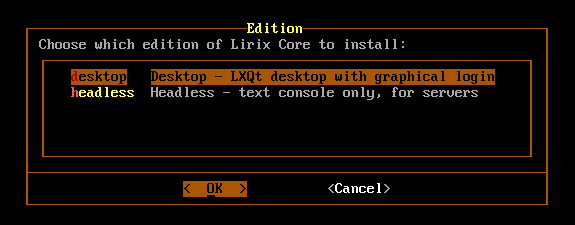
Desktop
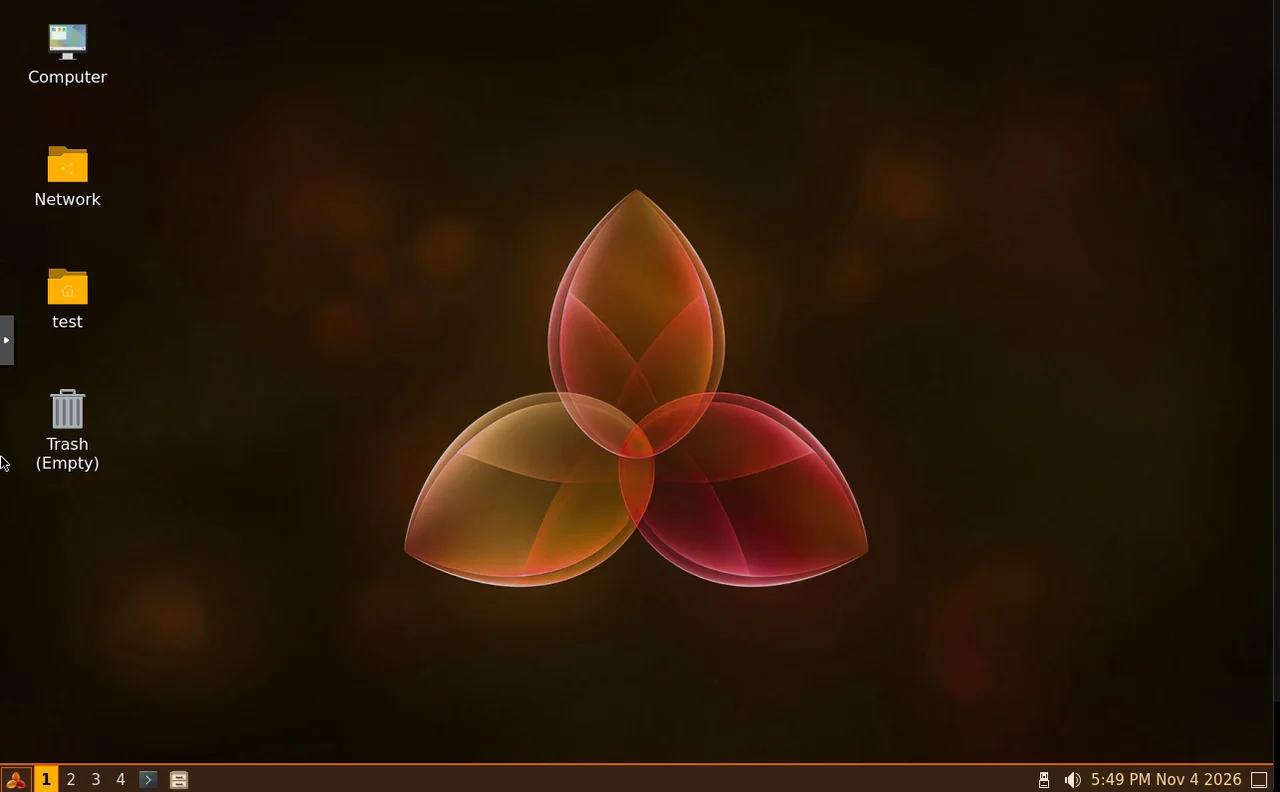
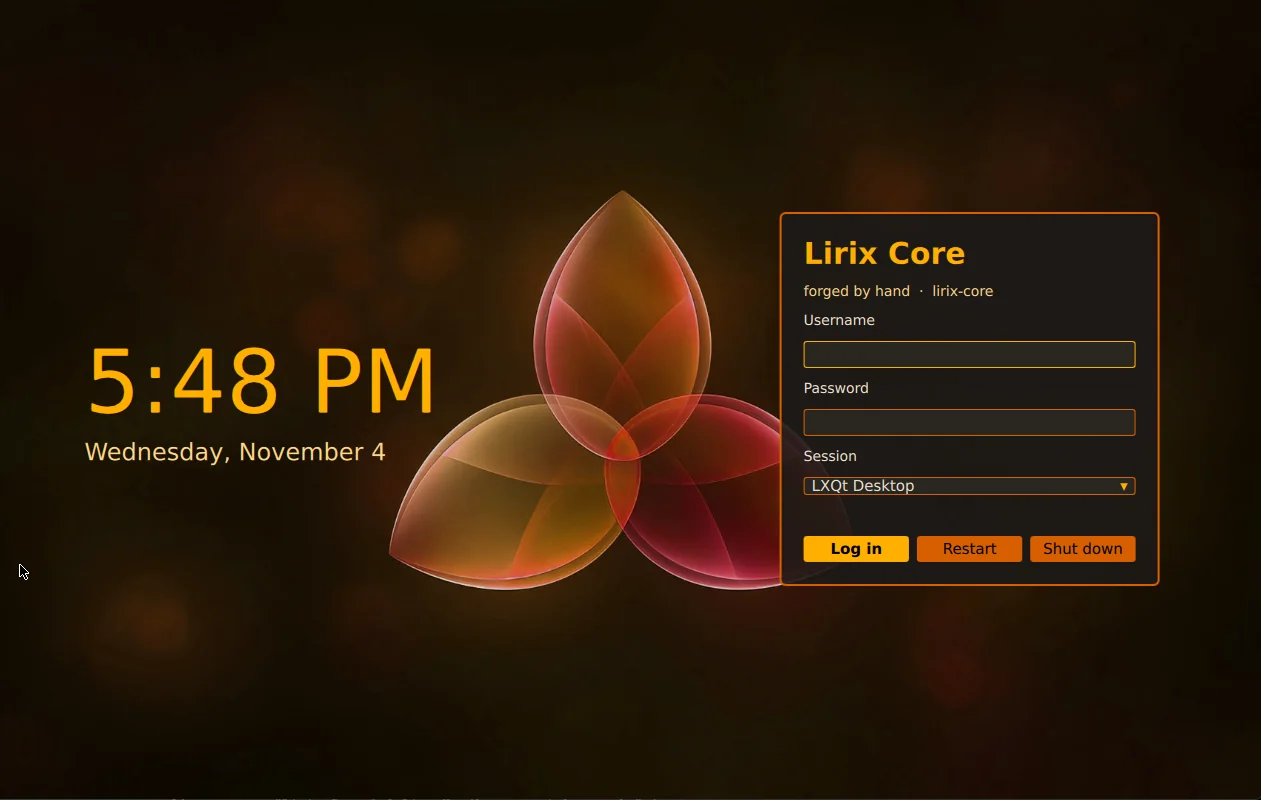
The LXQt desktop with the amber Lirix Core theme and a graphical SDDM login screen. For laptops, desktops and VMs you use with a screen.
Headless
Text console and SSH only, with no desktop. For servers, routers and VMs you reach over the network.
Both editions install the same programs. Headless just doesn't start the graphical login, and you can switch later with one setting.
Why Lirix Core?
Built from scratch
Not a fork of Debian, Fedora or Arch. Lirix Core follows the Linux From Scratch 12.4 book, and every package was compiled from source.
Simple to follow
Plain SysVinit boot scripts you can read and change. When something starts at boot, you can see exactly why.
Privacy first
No telemetry and nothing phoning home.
Try it live
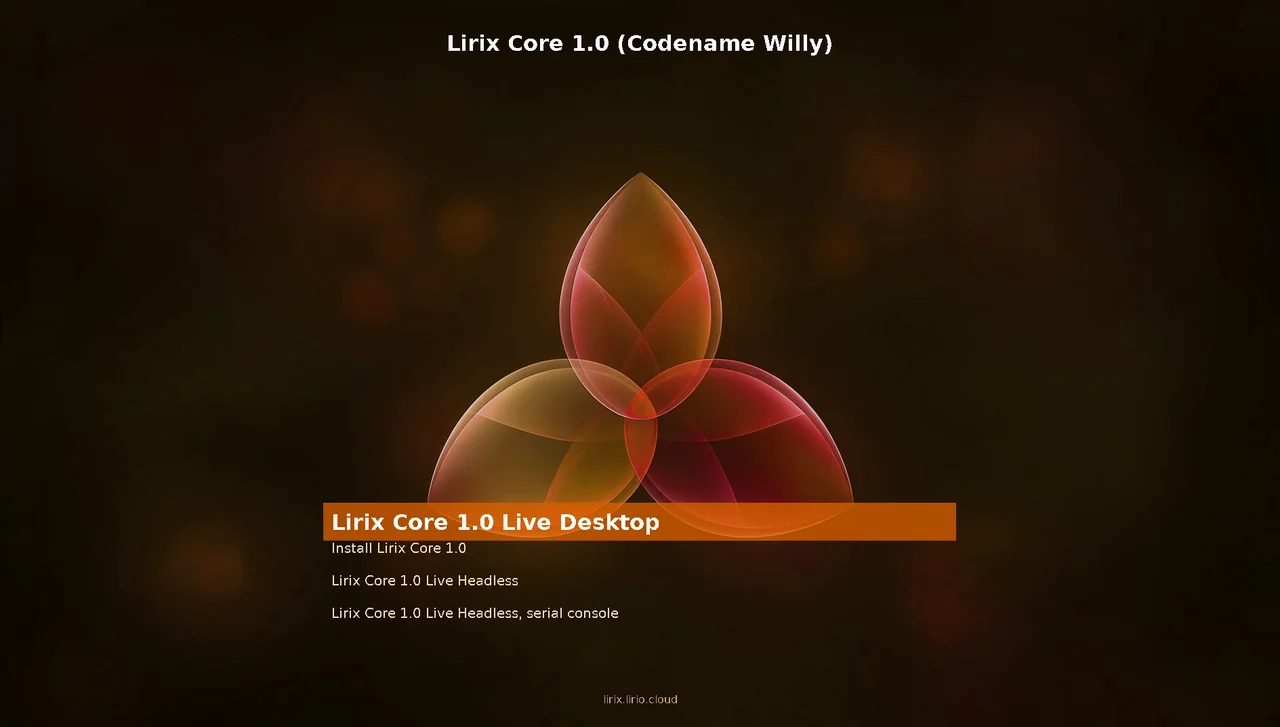
Boot the ISO and use it from RAM before installing. The live login is live with the password live.
Menu-driven installer
A text installer walks you through edition, keyboard, language, time zone, disk, network and your user. Nothing is written until you choose Install.
Root stays locked
Your everyday account uses sudo through the wheel group, so there's no root password to guard.
A look around
Ready to forge ahead?
Download the ISO, check its checksum, and boot it on a spare PC or in a virtual machine. The install guide covers every installer screen.