 Lirix
Lirix 
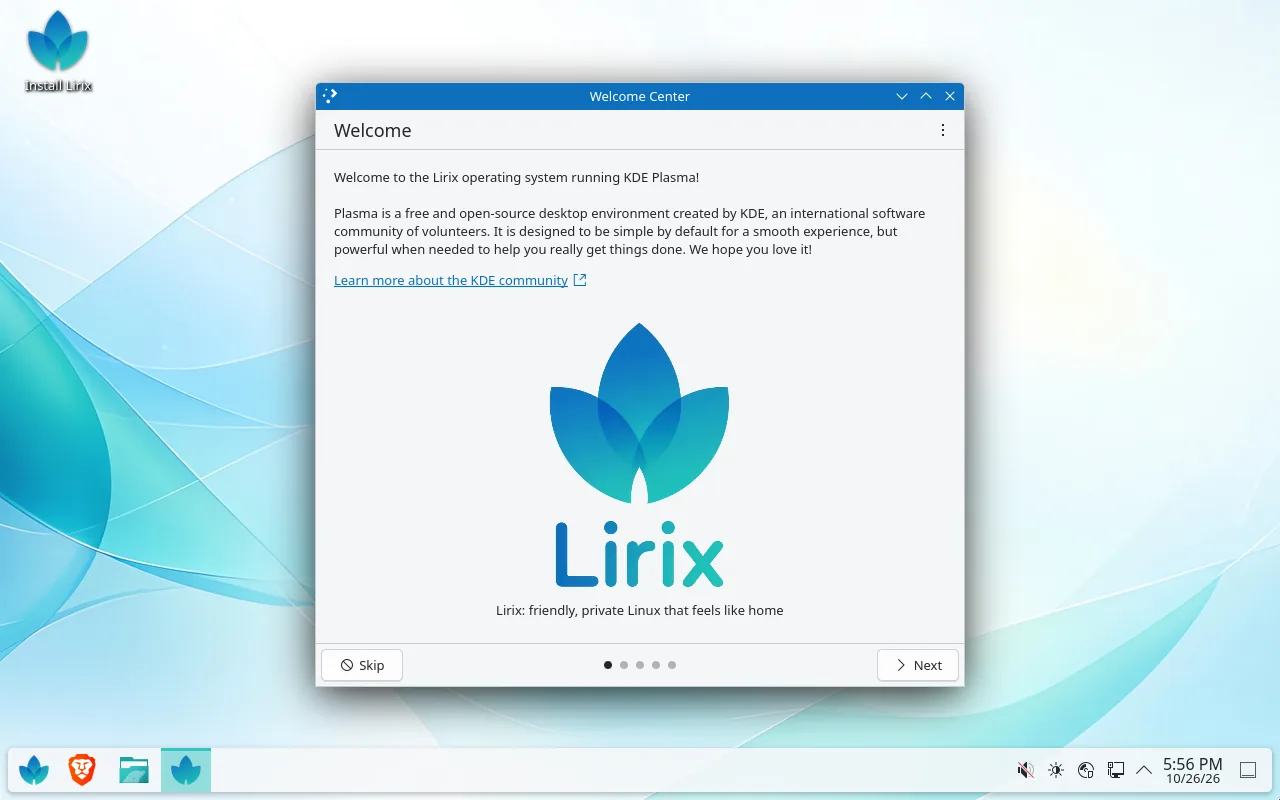
Friendly, private Linux that feels like home
Lirix is a free operating system for 64-bit PCs, based on Debian 13. It has a familiar Windows-style desktop, comes ready to use, and doesn't send your data anywhere by default.
Free · 64-bit Intel/AMD PCs · 3.3 GB download · Beta: please test before relying on it
Why Lirix?
Feels familiar
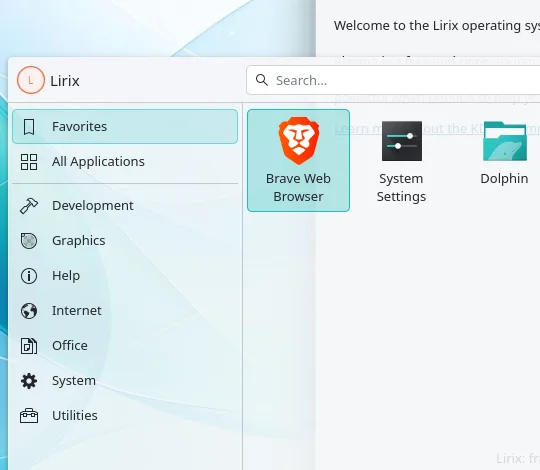
Start menu at the bottom left, taskbar in the middle, clock and tray on the right. Files open with a double-click and the close button is where you expect it.
Private by default
Lirix switches off the "phone home" features it knows about. If you install an app that collects data, Lirix tells you what it sends and how to turn it off.
Ready to use
Brave web browser, a file manager, a PDF viewer, an image viewer, a text editor and printer support are all there from the start. Optional extras are one tick away during setup.
Solid foundation
Lirix is built on Debian 13, one of the oldest and most trusted Linux systems. Updates come straight from Debian.
Works next to Windows
Keep Windows and add Lirix beside it. Each time the PC starts, you pick which one to use. Dual boot guide
Try it first
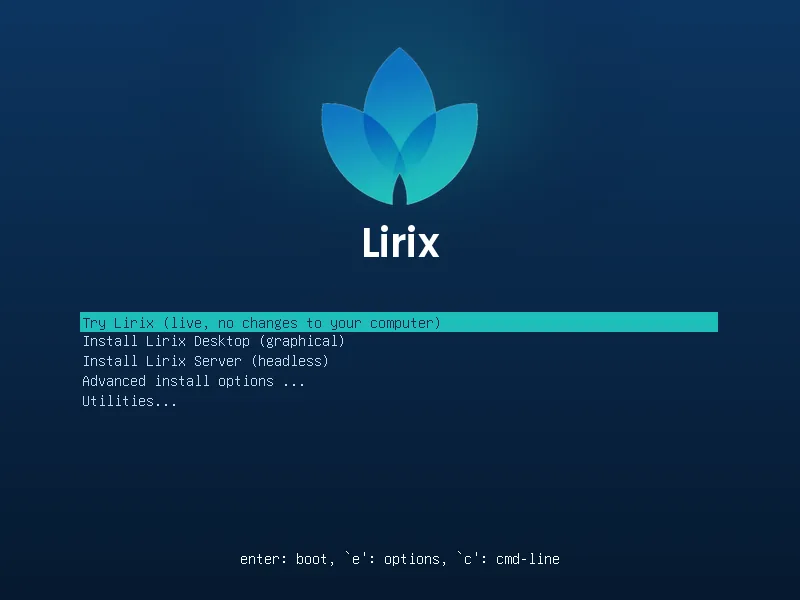
Start Lirix from a USB stick without changing anything on your computer, then install it only if you like it.
A look around
Three looks, built in
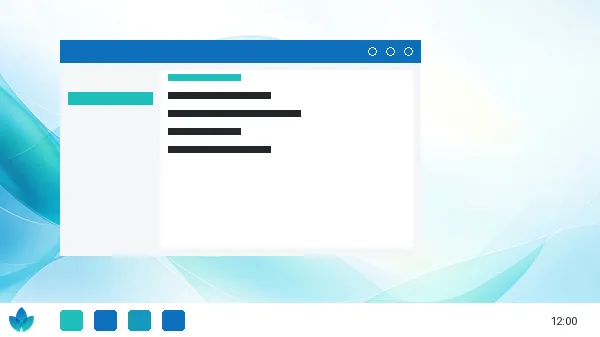
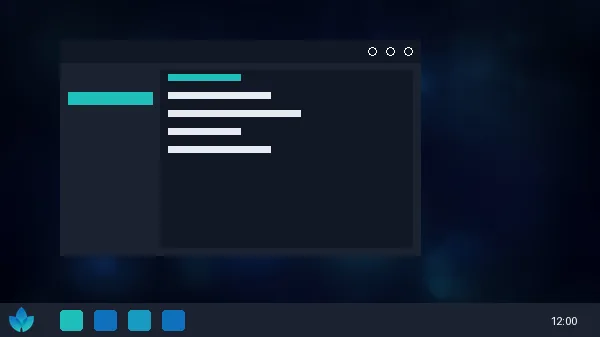
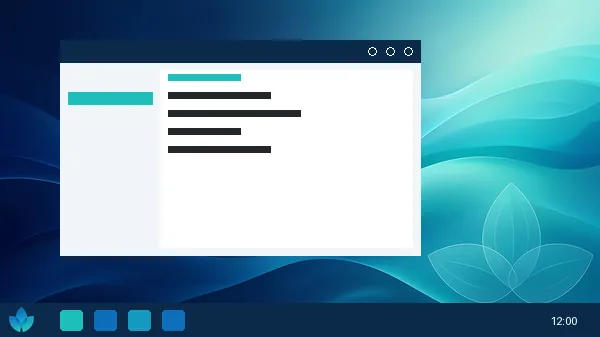
Theme pictures are the previews shown in System Settings.
Ready to give it a try?
Download the ISO file, put it on a USB stick, and start your PC from it. The install guide walks you through every step in plain English. Or try Lirix safely in a virtual machine first.